1. Create an account
1.1. Sign up
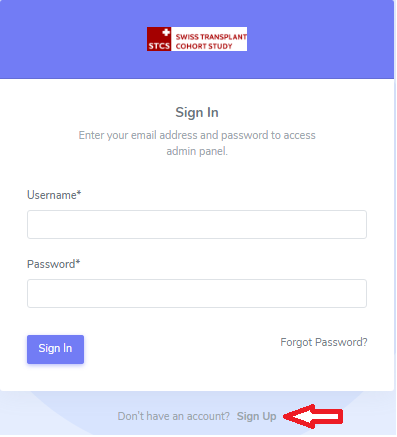
To create an user account go to your local STCS link and click on “Sign Up”:
Please complete the “Sign Up form” as shown below:
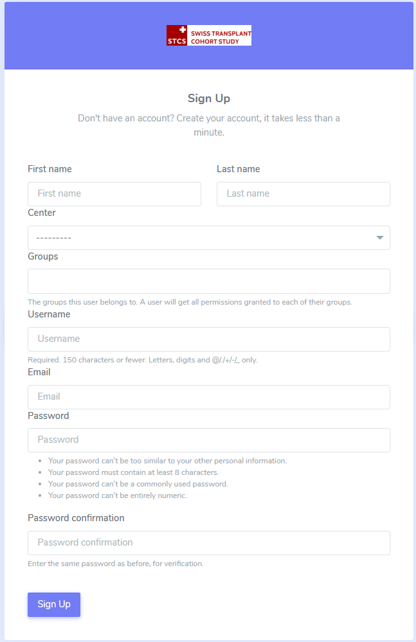
Once filled in, please select again “Sign Up”.
Note
The system admistrator will evaluate the registration request and provide access accordingly.
1.2. Confirm your email
After you sign up, the message below will appear:
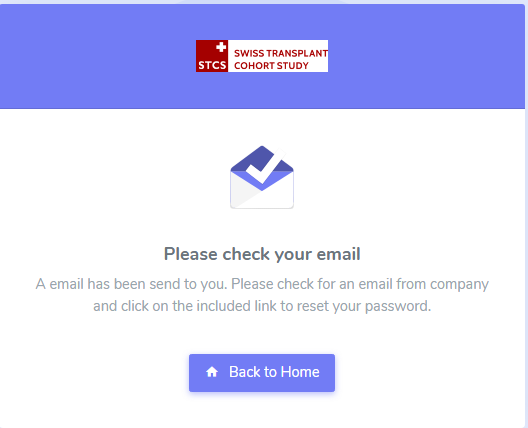
You will have to confirm your email address by clicking on the link in the email you received.
1.3. Reset your password
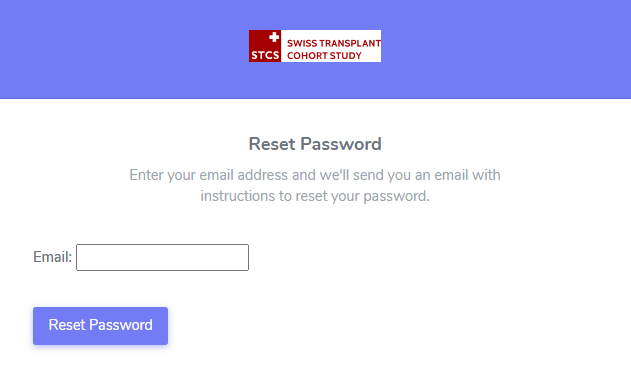
If you need to reset your password, click on “Reset Password” (red circle):
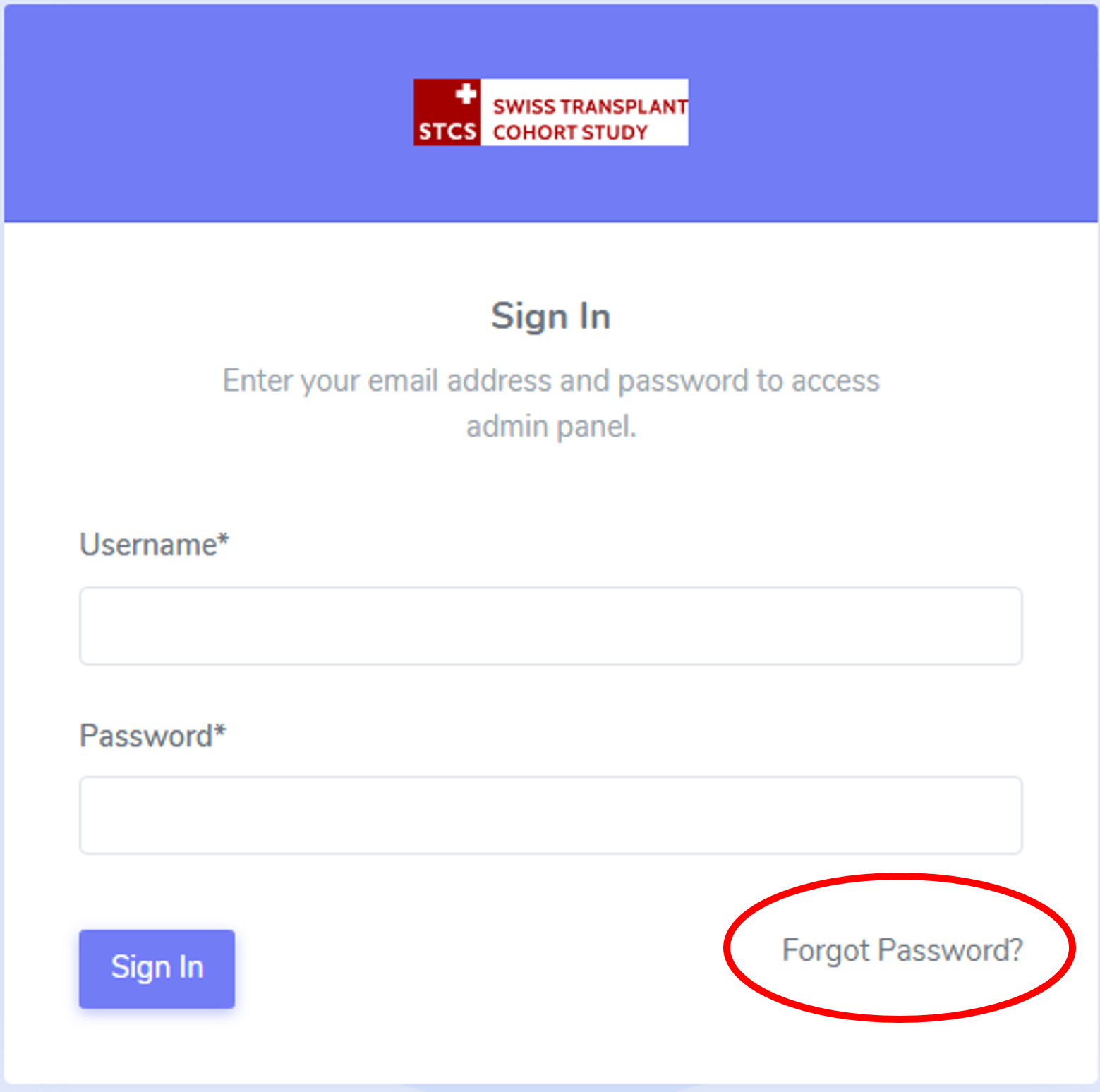
A new window will appear and you will be prompted to write your email address, as seen below: